A major upgrade example: 14.4-RELEASE to 15.1-RELEASE
All commands should be run as root.
pkg updatepkg upgrade -Uy -r FreeBSD pkgfreebsd-update fetchfreebsd-update installfreebsd-update upgrade -r 15.1-RELEASEfreebsd-version -kru ; uname -mvKUfreebsd-update install- do not reboot the operating system – ignore the on-screen advice from freebsd-update
freebsd-version -kru ; uname -KU/bin/shexport abi=FreeBSD:15:$(uname -p)export osversion=1501000pkg-static -o ABI=$abi -o OSVERSION=$osversion -o IGNORE_OSVERSION=yes updatepkg-static -o ABI=$abi -o OSVERSION=$osversion -o IGNORE_OSVERSION=yes upgrade -Fqy- ignore all on-screen recommendations to force a bootstrap of pkg
pkg-static -o ABI=$abi -o OSVERSION=$osversion -o IGNORE_OSVERSION=yes upgrade -Fqypkg-static -o ABI=$abi -o OSVERSION=$osversion -o IGNORE_OSVERSION=yes upgrade -U -r FreeBSD-kmodspkg-static -o ABI=$abi -o OSVERSION=$osversion -o IGNORE_OSVERSION=yes upgrade -U -g 'virtualbox-ose-additions*'exit- upgrade the boot loader
- disable loading of kernel modules for NVIDIA GPUs – you can use sysrc(8)
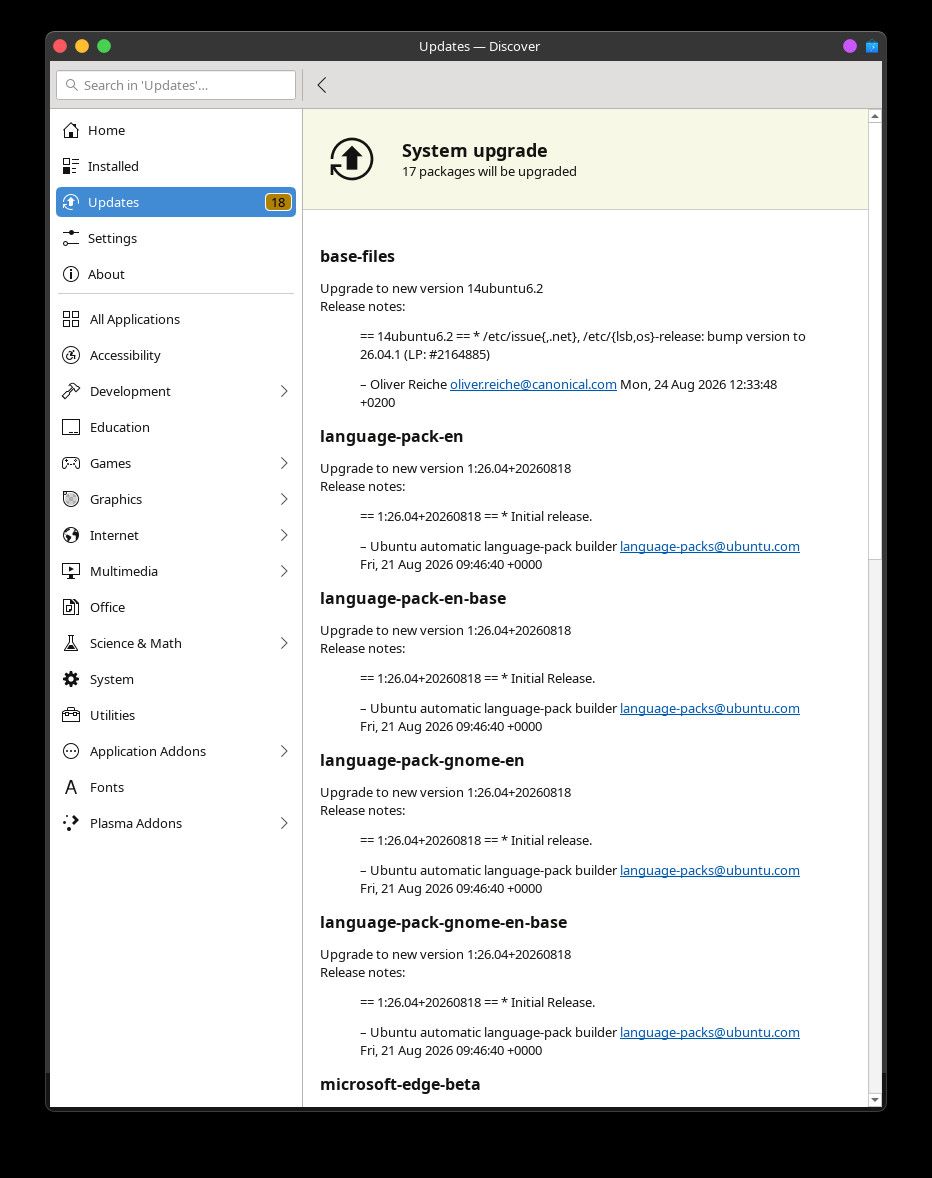
shutdown -r +10min "restarting with the upgraded kernel and boot loader"- after this restart, if software such as Discover invites you to upgrade software, ignore the invitation
freebsd-version -krufreebsd-update install- be patient
freebsd-version -kru- if
/usr/local/etc/pkg/repos/FreeBSD.confincludes FreeBSD and FreeBSD-kmods, change the names to FreeBSD-ports and FreeBSD-ports-kmods pkg bootstrap -fypkg upgrade -fFqy -r FreeBSD-ports -r FreeBSD-ports-kmodspkg upgrade -fFqy -r FreeBSD-ports -r FreeBSD-ports-kmodspkg upgrade -fU -r FreeBSD-ports -r FreeBSD-ports-kmods- if reinstalling all third-party software is not possible, install misc/compat14x
- if the previous run of
freebsd-update installasked you to rerun the command, do so shutdown -r +10min "restarting with the upgraded userland"