Skip to content
  • Using The New Bridges of FreeBSD 15

    FreeBSD freebsd bridge networking
    1
    2 Votes
    1 Posts
    46 Views
    CiotBSDC
    See: https://blog.feld.me/posts/2026/02/using-new-bridges-freebsd-15/ ping: https://framapiaf.org/@ricardo@bsd.cafe/116453396670728593
  • Wrote a Perl Script to find the fastest OpenBSD mirror for you

    OpenBSD
    1
    9 Votes
    1 Posts
    37 Views
    izder456I
    https://codeberg.org/Izder456/dotfiles/src/branch/main/.local/bin/fastestmirror wrote this Perl script to find the fastest mirror for you via scraping ftp.html for the mirror list #openbsd #bsd #runbsd
  • The probably underwhelming diary of a new OpenBSD user

    OpenBSD
    2
    7 Votes
    2 Posts
    95 Views
    izder456I
    Responding to clear up some confusion and to give you general hints as you discover more about the system. Feel free to ignore if you wanna discover in your own time via man and info pages. Keybind notation in this post uses emacs notation. Ex: C-A-d means: Control + Alt/Meta + The literal letter d @nibori said: Without much structure or thought, might serve as a record, for me or others. Installer: from usb stick, the install experience is nice! Just hardcore enough that I feel the system assumes I have some idea about computery things, but not brew to the point of confusion. For example, at one point it asks which install target, and prompts "sd0 sr1 ?" (or such.. maybe a b... don't take my word). On pressing ? it gives a brief oneliner of each device. Just enough to make the choice, just brew enough I'm amazed. At one point install prints "relinking to make unique kernel". Wow. Booting: after entering passphrase, it gives me "boot>". Okay... Boot you say? So I type "boot", half-expecting based on past grub experience I will see some arcane message. But instead it actually boots! Neat. You can also just wait it out, IIRC after some timeout (can't remember how long), it'll automatically run that command for you. OFC you can interrupt this timer by typing anything. This is particularly useful if you wanna boot a different kernel such as bsd.rd (which is a ramdisk kernel that contains the upgrade/install stuff and a basic shell environment for emergencies): boot> boot bsd.rd or to boot the single processor kernel rather than a muliprocessor kernel on a multiprocessor machine while troubleshooting: boot> boot bsd.sp You can also get a list of commands available at this boot prompt which may prove useful in some scenarios: boot> help On login to system, there's a welcome mail with instructions. The man pages indeed work! Could connect to wifi with just using ifconfig. Well, needed fw_update first to get the wifi driver. Where are the logs though? Linux would spray dmesg with link state foo bar, or wpa auth so and so.. here I didn't notice similar. Minor correction. Like the name suggests, fw_update just updates/installs missing firmware needed by drivers. Since OpenBSD's kernel is non-modular, all this command does is let some particularly non-free devices behave correctly by letting the built-in kernel drivers load the needed firmware. This fw_update utility doesn't "install" drivers. You can preserve ifconfig settings across reboots with hostname.if files too btw. man hostname.if As for logs, for the whole system (with some exceptions), usually they go into some subdirectory/subfile of /var/log. Plaintext OFC for sanity. For ifconfig specific information, just run ifconfig against your interface name. Eg: ~ $ ifconfig em0 em0: flags=8802<BROADCAST,SIMPLEX,MULTICAST> mtu 1500 lladdr 34:17:eb:ac:6d:bf index 1 priority 0 llprio 3 media: Ethernet autoselect (none) status: no carrier (Sidenote: the feeling when you adjust ifconfig and route, it still doesn't work, and it turns out be a flaky cable... flood ping for the rescue) Congrats! ifconfig is one of my favorite features of OpenBSD's configuration. Looking at the filesystem. Looks clean! Hm, no /proc, /sys? Where do I get some stats about the battery? Will discover later. man apm man apmd man sysctl man sysctl.conf Consoles... multiple consoles anyone? Alt+F2 doesn't work. Maybe it is the key mapping, or maybe it is not supposed to have multiple consoles by default? Just like Linux, which you may be already familiar with, you use C-A-Fn, where n is the tty number you want to navigate to, corresponding to a "Function" key on your keyboard. By default X11 launches on tty5 and kernel messages are on tty1. The rest are login(1) prompts. You can inspect /etc/ttys to learn about the default tty config. man ttys Hm, what could be the equivalent of "loadkeys"? Well, can work with en layout for now. man wscons man wsconsctl man wsconsctl.conf man kbd startx gives me xterm and xclock, with a blue-red colorscheme. Wicked. I'd suggest using the XenoDM rc script and login manager. It is more secure. Just using xinitrc/startx doesn't lock the tty that X11 runs in so a passerby can just C-A-Fn then C-d/C-z to fork to the x11 process to bg and get a free shell in your name. With XenoDM, it dedicates a tty for X11 only (tty5 by default) so you can't use anything other than x11 in that tty. It also correctly handles privsep/privdrop whereas startx/xinitrc does not which can fix some quirks you may come upon. man rcctl man xenodm man xsession man rc.subr pkg_add works. pkg_info executed plainly gives a list of explicitly installed packages! I love the OpenBSD package system. Super simple and easy to use. Fun fact! They're just perl scripts. To be continued, eventually... Godspeed. Enjoy OpenBSD! Happy Hacking!
  • OpenBSD stories — Math is hard

    OpenBSD openbsd vax math
    1
    1 Votes
    1 Posts
    39 Views
    CiotBSDC
    See: http://miod.online.fr/software/openbsd/stories/vaxfp.html ping: https://framapiaf.org/@miodvallat@hostux.social/116446563168449035
  • 2 Votes
    1 Posts
    36 Views
    CiotBSDC
    See: https://itsfoss.com/news/playnix-linux-console/ https://playnix.io/1-11-playnix-console.html
  • SPARC

    Tribblix
    3
    1 Votes
    3 Posts
    79 Views
    ptribbleP
    And on another tack, a new ISO for Tribblix on SPARC: https://www.tribblix.org/download.html#sparc
  • The unseen hero of OpenBSD

    OpenBSD
    1
    0 Votes
    1 Posts
    66 Views
    CiotBSDC
    The unseen hero of OpenBSD: otto’s malloc What this is about This is me learning about OpenBSD’s malloc. I try not to do a surface-level overview. I want to understand the internals better, the data structures, the design decisions, and why those decisions make heap exploitation so much harder. What malloc actually does Every C program that needs memory at runtime calls malloc. malloc is a library function. It’s not a syscall – it’s a layer between your code and the kernel. https://polymathmonkey.github.io/weblog/artifacts/openbsdmalloc/index.html
  • GhostBSD 26.1-R15.0p2 Is Now Available

    BSD ghostbsd
    1
    0 Votes
    1 Posts
    37 Views
    CiotBSDC
    We are excited to announce the release of GhostBSD 26.1-R15.0p2! This release marks a major milestone as GhostBSD moves to FreeBSD 15.0-RELEASE, bringing the latest upstream improvements, including enhanced hardware support, security updates, and kernel advancements. For complete details on FreeBSD 15.0 enhancements, see the FreeBSD 15.0-RELEASE notes. https://www.ghostbsd.org/news/GhostBSD_26.1-R15.0p2_Is_Now_Available https://ostechnix.com/ghostbsd-26-1-released-freebsd-15-xlibre/
  • 1 Votes
    2 Posts
    57 Views
    dressupgeekoutD
    Very helpful! I think I accidentally bricked my G4 cube while trying to install NetBSD/macppc several years ago because I wasn't careful while partitioning the hard disk.
  • Solar template: CSS "error"

    Comments & Feedback
    4
    1
    0 Votes
    4 Posts
    85 Views
    grahamperrinG
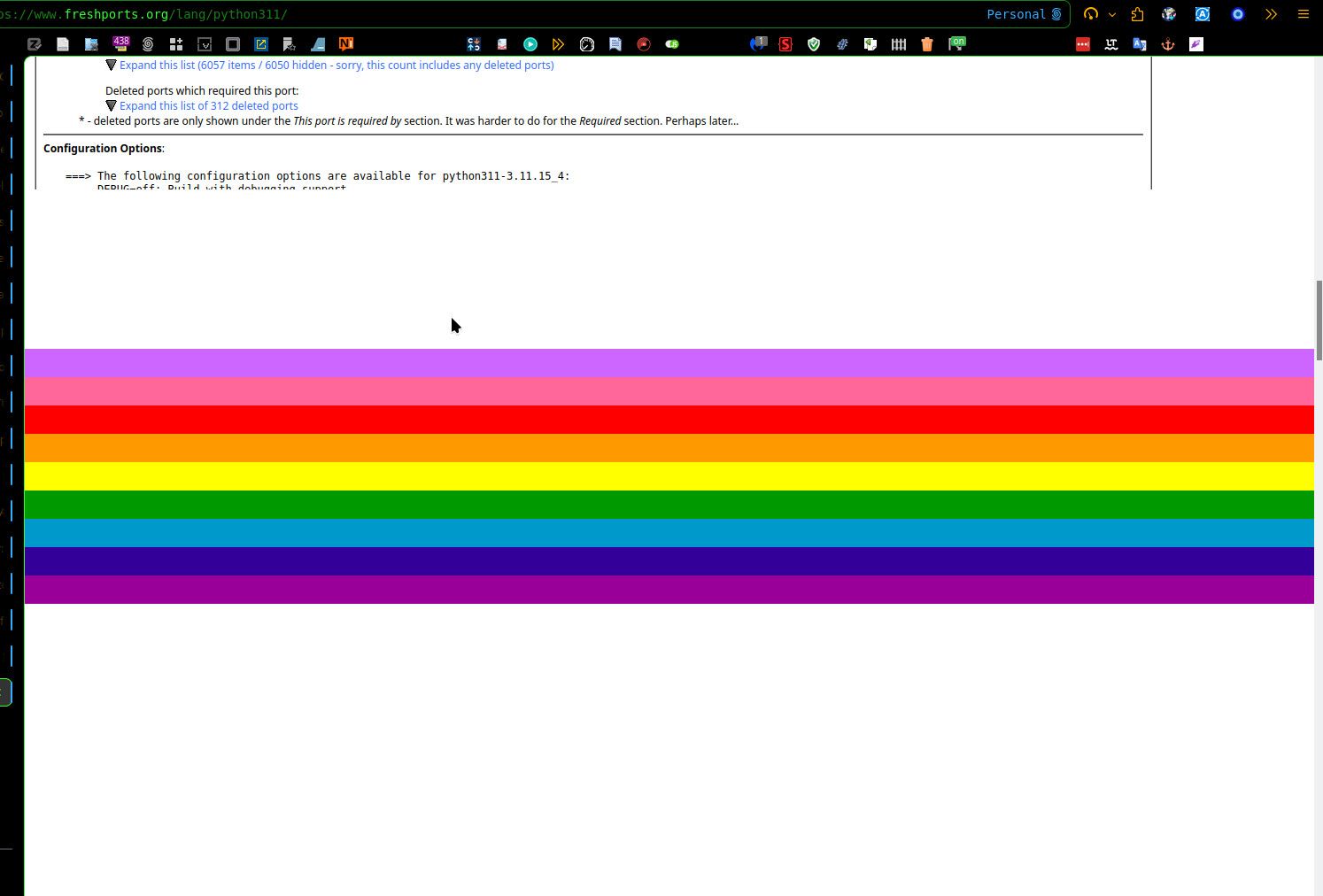
    Similarly, with the Yeti skin I get missing texts in the Powered by area: [image: 1776614005911-5ecfb87a-4915-4555-9d1e-fc1c79f680e1-image.jpeg] Also with Yeti, https://billboard.bsd.cafe/unread failed to show the name of at least one category, OpenBSD. I wonder whether the issue will be reproducible with the default (no skin).
  • 0 Votes
    4 Posts
    106 Views
    grahamperrinG
    … my previous posts, they don’t seem to have had this problem. Here's another: [image: 1776611842047-9fa33bf5-3db8-440d-8319-ac4e051217ad-image.jpeg] When using glitch-soc at BSD Network to create and edit a post, it seems that Markdown and HTML options work only if the required content type is preselected when drafting and when editing. Examples: https://bsd.network/@grahamperrin/116432053054263857 https://bsd.network/@grahamperrin/116432064198716983 I assume that when an HTML post is incoming from something other than glitch-soc, glitch-soc defaults to plain text – without attempting to automatically detect HTML. glitch-soc/mastodon: A glitchy but lovable microblogging server issues …
  • 3 Votes
    1 Posts
    59 Views
    andersgoA
    At work we are uing BSDs extensivly for almost all aspects, except as hardware crypto modules (HSMs). We are also using BSDs as workstations for the daily toil. This of course require a set of usage policies to formalise what is accepted and not. I'm glad we managed to get NetBSD into the official company policy with the following condition Must run on workstation/laptop hardware. Coffee brewers, toasters or other household appliances are explicitly forbidden from accessing production network. On a sader note, OpenBSD is no longer allowed access, when 7.7 goes out of official support in a few weeks time, due to the decision to remove yubikey-otp keyboard support in the kernel from 7.8. Oh well Cheers and RunBSD!
  • 2 Votes
    1 Posts
    74 Views
    andersgoA
    One of my biggest "frustrations" when migrating from OpenBSD to FreeBSD as my daily driver, was the loss of of working media keys on my Das Keyboard - especially the very convenient volume jog wheel. After some poking around i confirmed that the usbhid driver was working - and also default enabled in FreeBSD15 kernel. Xev tool printed the correct keycode events keycode 122 = XF86AudioLowerVolume keycode 123 = XF86AudioRaiseVolume keycode 172 = XF86AudioPlay The problem narrowed down to how to map these event to something useful I found a working solution in this discussion thread, by using the x11/sxhkd daemon to pass the events to mixer(8) https://forums.freebsd.org/threads/howto-enabling-multimedia-keys-gamepads-joysticks-for-desktop-usbhid.84464/ I had to tweak the sxhkd config a bit to work properly with mixer ~/.config/sxhkd/sxhkdrc XF86Audio{Play,LowerVolume,RaiseVolume} mixer {vol.mute="toggle",vol="-3%", vol="+3%"} Then I invoke the sxhkd daemon from my ~/.xsession file sxhkd & exec /usr/local/bin/fvwm3 Viola! #FreeBSD #Solved #X11 #FVWM3 #Xorg #AskFedi
  • Running Your Own AS…

    FreeBSD freebsd networking ipv6
    1
    0 Votes
    1 Posts
    70 Views
    CiotBSDC
    Part1: Running Your Own AS: BGP on FreeBSD with FRR, GRE Tunnels, and Policy Routing: https://blog.hofstede.it/running-your-own-as-bgp-on-freebsd-with-frr-gre-tunnels-and-policy-routing/ Part2: Running Your Own AS: Going Multi-Homed with iBGP and three Transits: https://blog.hofstede.it/running-your-own-as-going-multi-homed-with-ibgp-and-three-transits/ Part3: Running Your Own AS: Joining an IXP with a Third Edge Router: https://blog.hofstede.it/running-your-own-as-joining-an-ixp-with-a-third-edge-router/ Part4: Running Your Own AS: Direct Hetzner Peering, a Fourth Edge, and Bringing the Home LAN into the Fabric: https://blog.hofstede.it/running-your-own-as-direct-hetzner-peering-a-fourth-edge-and-bringing-the-home-lan-into-the-fabric/
  • Lost and found in Mastodon

    BSD Cafe Lounge mastodon obvious til
    1
    1 Votes
    1 Posts
    34 Views
    grahamperrin@mastodon.bsd.cafeG
    Lost and found in MastodonTIL: when the Back button in Mastodon can not take me back to something, I can use the web browser to browse back.Why has it taken more than two years for me to discover something so obvious? #Mastodon #obvious #TIL @bsdcafelounge
  • 2 Votes
    6 Posts
    359 Views
    grahamperrinG
    Closed. Result: 3% Windows 22% macOS 32% BSD (see the responses in Mastodon) 43% Linux. [image: 1776459246089-97c873d0-8fd9-45d3-ad89-80033e7d6b95-image.jpeg] Additional responses in Reddit: Daily driver: macOS, BSD, Linux, or Windows? : r/freebsd
  • Thoughts on the FreeBSD Logo

    FreeBSD
    7
    1
    4 Votes
    7 Posts
    233 Views
    izder456I
    I have to say, i really like the glassy orb logo. i don't really think it needs changing. i think much the same WRT the website redesign. i like the skeumorphic layout. it reminds me of a time when the web was much more approachable without cleanup software like adblockers. i like the current freebsd website for the same reasons i like the OpenBSD website.
  • Internet Protocol Version 8 (IPv8)

    BSD Cafe Lounge ipv8 draft
    2
    2 Votes
    2 Posts
    59 Views
    nuintariN
    Oh boy. I'll make the popcorn.
  • Latest "State of the Art" re: hw.smt ?

    OpenBSD
    2
    1 Votes
    2 Posts
    104 Views
    T
    The latest would be that it's deprecated and will eventually be replaced: https://www.undeadly.org/cgi?action=article;sid=20260415050032 I personally enable do hw.smt=1 when rebuilding base as it finishes about twice as fast, but I don't notice performance differences other than in compilation.
  • Stop Opening Huge Files in Screen Editors

    Blogs
    4
    5 Votes
    4 Posts
    192 Views
    mhdM
    As another data point in comparing how different editors work, here's an old one by the author of the very undervalued joe editor. In general, there's nothing preventing screen editors from working properly and fast here, it's just not something they optimized for. If they did it at all, internal editor data structures tend to be quite simple these days, as virtual memory works for most cases. People had to get a lot more tricky on smaller devices (or they gave up early, cf. Windows Notepad). Heretically, I'd also like to say that a lot of files that aren't binary and huge, different tools often wouldn't point at e.g. sed, as you're running into the old "Now they have two problems." issue then.