
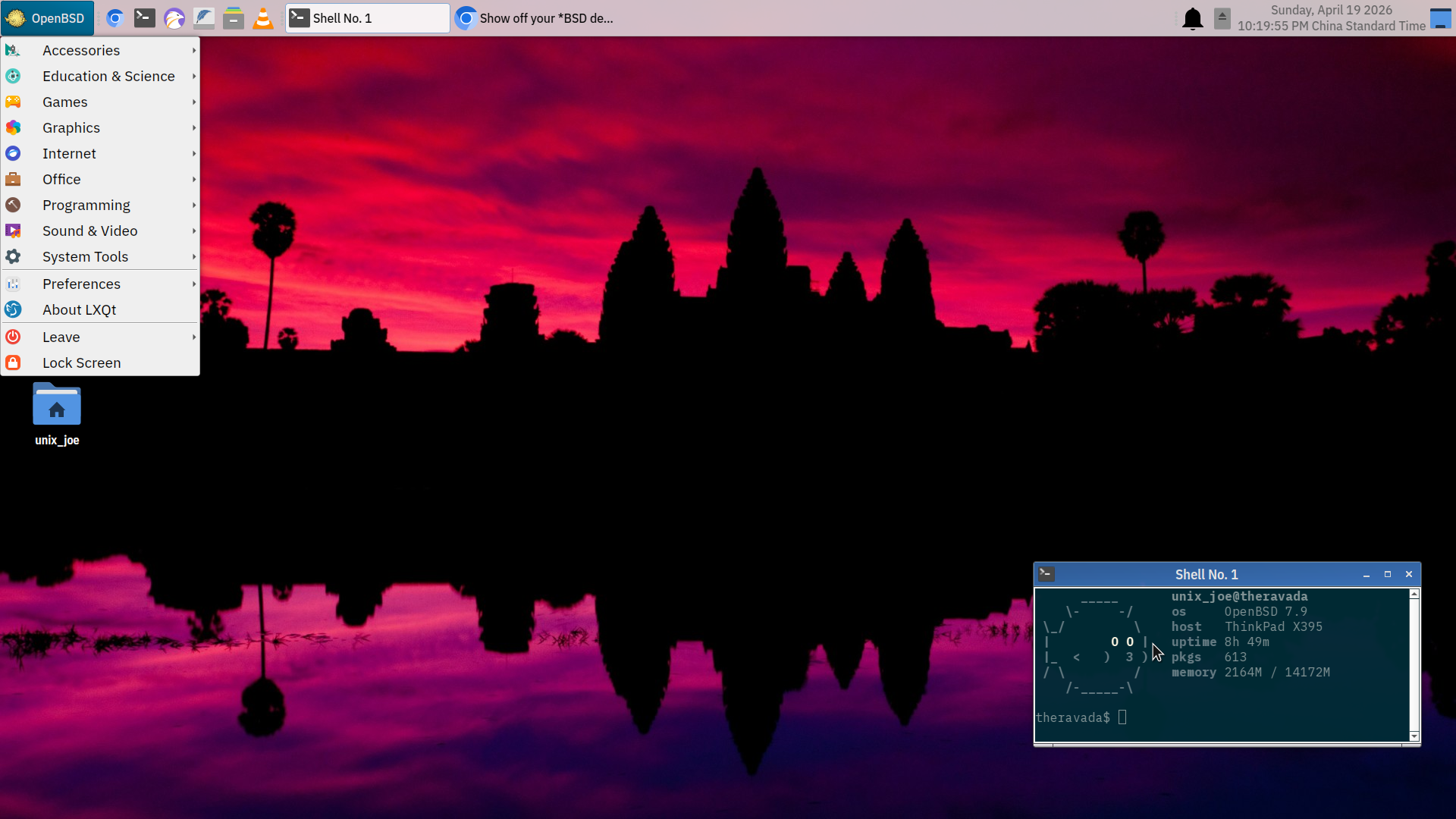
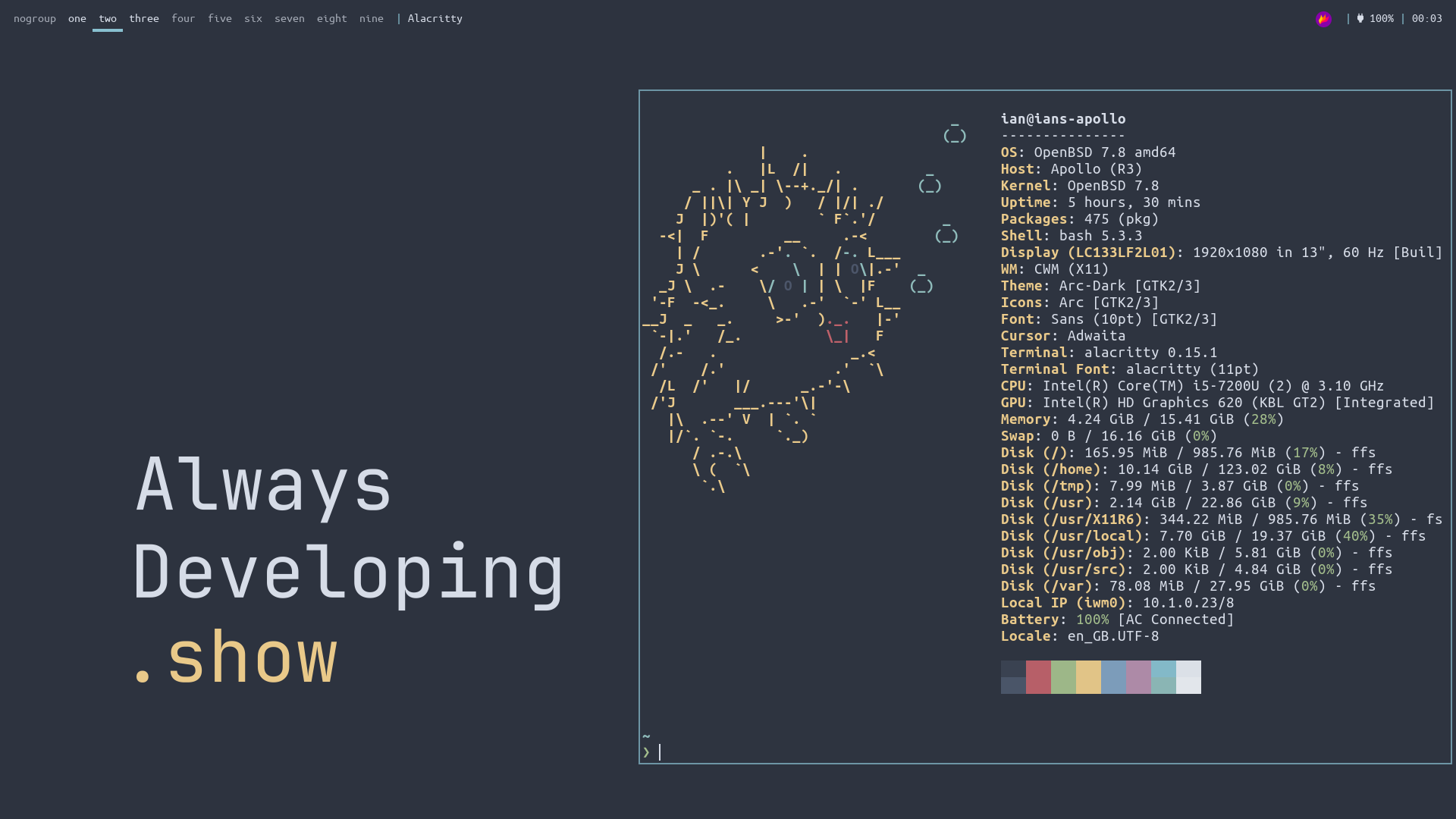
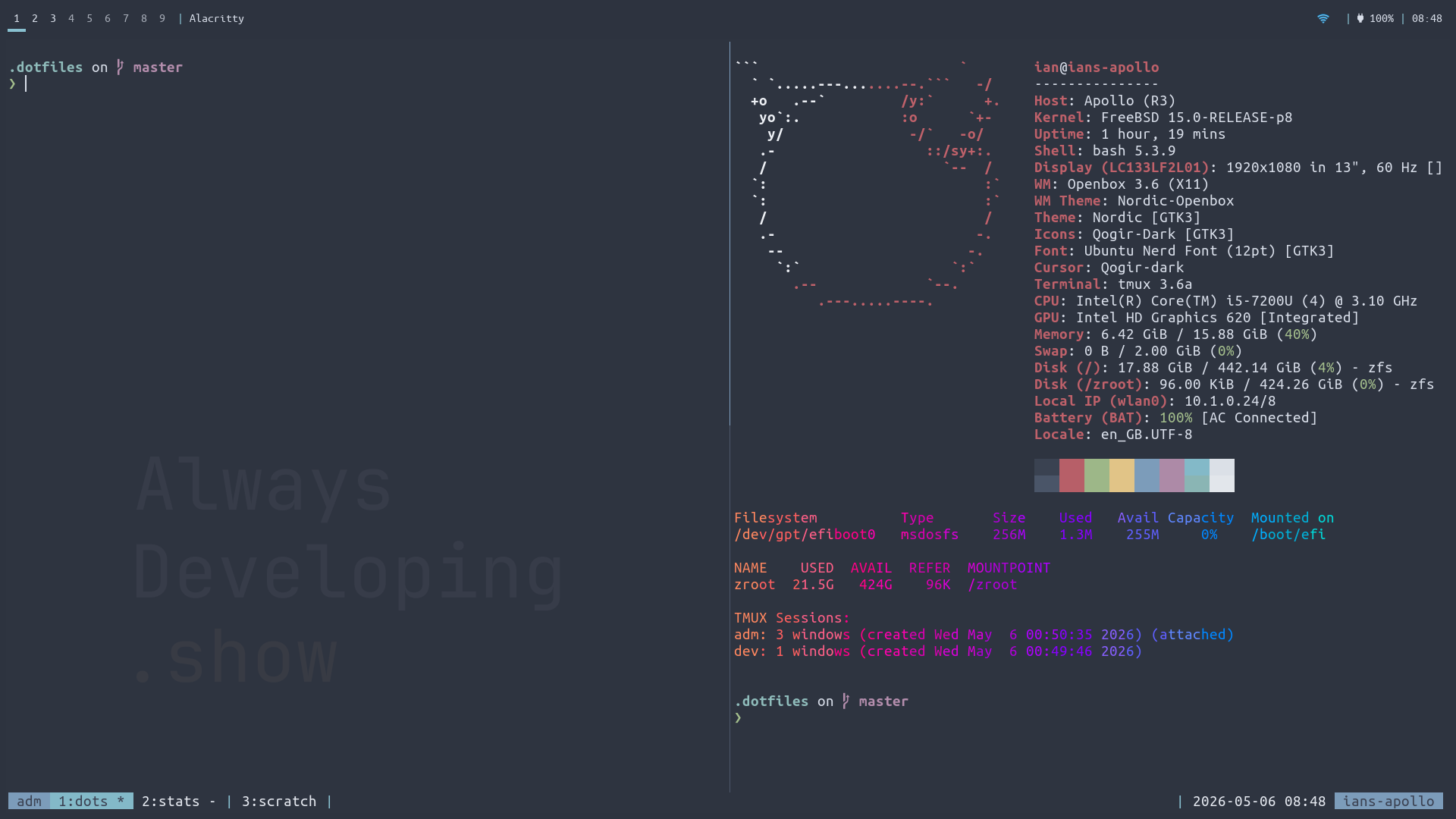
Show off your *BSD desktop!
-
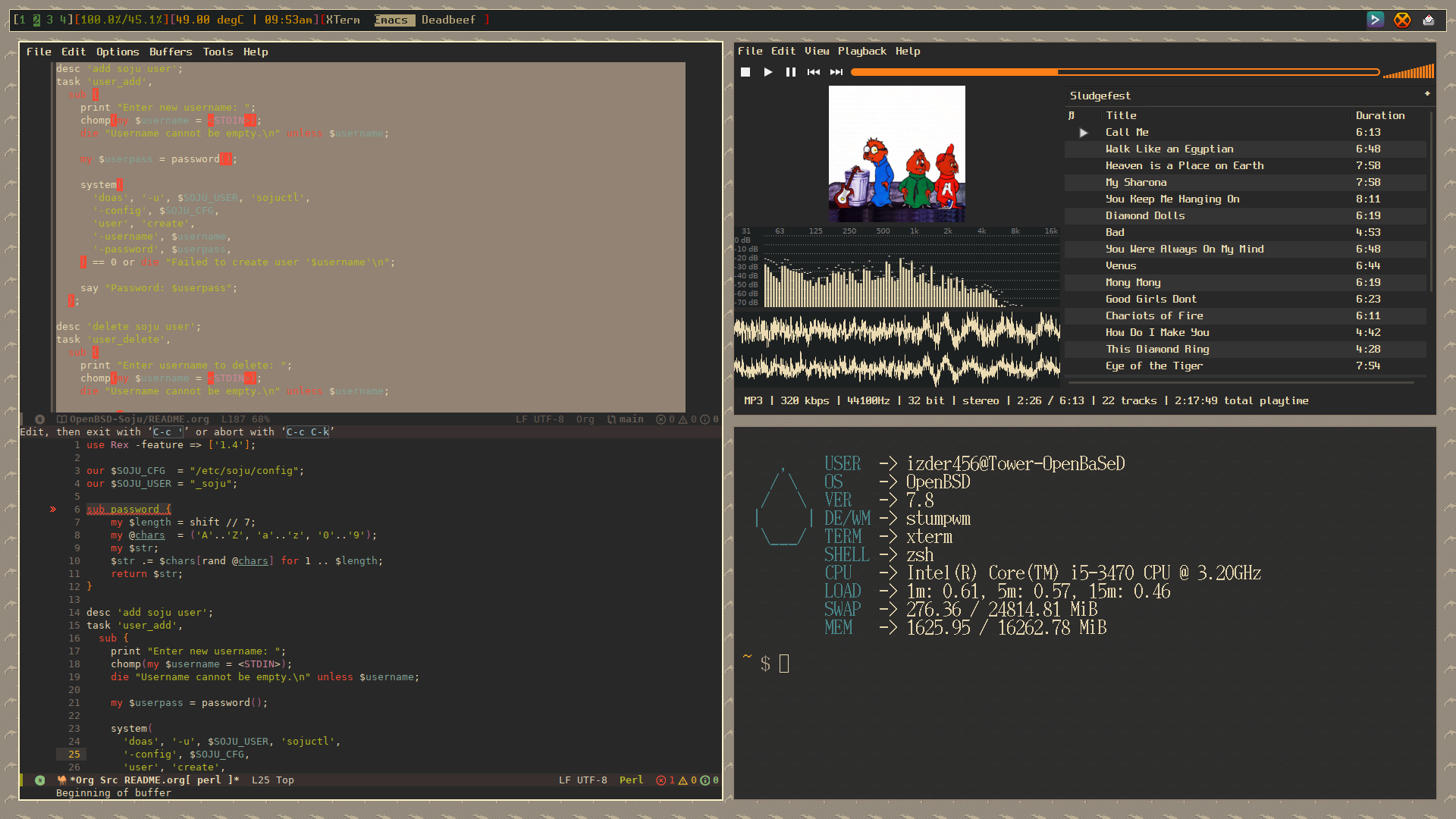
Thanks. It's not a very complicated setup (that would be my Debian+sway workstation with custom keybindings) but it's functional and reliable. LXQt is underrated as a traditional desktop.
Did you have issues with the default config weirdness? When I was testing my PRs of desktop-installer to add OpenBSD support (still trying to get that imported into the ports tree), it had strange defaults like forcing you to install sudo (even if you wanted doas only), or no desktop icon theme installed by default, or the session manager popup from the "start" menu not handling power on / power off / reboot correctly (even when following the pkg-readme)?
I wish I were an active user of LXQt cos then I'd have a reason to fix these weird quirks with the ports/packages if they still existed. Alas, I'm very comfortable in my StumpWM/Emacs setup to change anything major like that.
Did you have issues with the default config weirdness? When I was testing my PRs of desktop-installer to add OpenBSD support (still trying to get that imported into the ports tree), it had strange defaults like forcing you to install sudo (even if you wanted doas only), or no desktop icon theme installed by default, or the session manager popup from the "start" menu not handling power on / power off / reboot correctly (even when following the pkg-readme)?
I don't remember that being an issue with the icons, or if it was, I installed them shortly thereafter.
sudo is not currently installed ('pkg_info | grep sudo' only reveals ksudoku, a game)
You're right that the session manager doesn't work correctly; it only takes me back to the xenodm login screen no matter what option I select. Generally the only time I reboot is from a weekly 'syspatch -s'.
It's still LXQt 2.2.0. OpenBSD -current.
-
Did you have issues with the default config weirdness? When I was testing my PRs of desktop-installer to add OpenBSD support (still trying to get that imported into the ports tree), it had strange defaults like forcing you to install sudo (even if you wanted doas only), or no desktop icon theme installed by default, or the session manager popup from the "start" menu not handling power on / power off / reboot correctly (even when following the pkg-readme)?
I don't remember that being an issue with the icons, or if it was, I installed them shortly thereafter.
sudo is not currently installed ('pkg_info | grep sudo' only reveals ksudoku, a game)
You're right that the session manager doesn't work correctly; it only takes me back to the xenodm login screen no matter what option I select. Generally the only time I reboot is from a weekly 'syspatch -s'.
It's still LXQt 2.2.0. OpenBSD -current.
Pardon the long reply here, I am mainly writing this so I, or someone else like you can report the accurate behavior to ports@ so things can be fixed if they need to be.
I don't remember that being an issue with the icons, or if it was, I installed them shortly thereafter.
I don't see the icons you used (papirus-icon-theme) as a depend of lxqt or lxqt-extras on -stable, but -current seems to also not have them:
~ $ pkg_info -Dsnap -f lxqt | awk '/^@depend/ { print $2 }'
x11/lxqt/about:lxqt-about-*:lxqt-about-2.2.0
x11/lxqt/config:lxqt-config-*:lxqt-config-2.2.0
x11/lxqt/globalkeys:lxqt-globalkeys-*:lxqt-globalkeys-2.2.0
x11/lxqt/notificationd:lxqt-notificationd-*:lxqt-notificationd-2.2.0
x11/lxqt/obconf-qt:obconf-qt-*:obconf-qt-0.16.5p1
x11/lxqt/panel:lxqt-panel-*:lxqt-panel-2.2.2p0
x11/lxqt/pcmanfm-qt:pcmanfm-qt-*:pcmanfm-qt-2.2.0
x11/lxqt/policykit:lxqt-policykit-*:lxqt-policykit-2.2.0
x11/lxqt/powermanagement:lxqt-powermanagement-*:lxqt-powermanagement-2.2.0
x11/lxqt/qterminal:qterminal-*:qterminal-2.2.0
x11/lxqt/qtermwidget:qtermwidget-*:qtermwidget-2.2.0
x11/lxqt/qtplugin:lxqt-qtplugin-*:lxqt-qtplugin-2.2.0
x11/lxqt/session:lxqt-session-*:lxqt-session-2.2.0
x11/lxqt/themes:lxqt-themes-*:lxqt-themes-2.2.0
~ $ pkg_info -Dsnap -f lxqt-themes | awk '/^@depend/ { print $2 }'
x11/gtk+4,-guic:gtk4-update-icon-cache-*:gtk4-update-icon-cache-4.22.2
sudo is not currently installed ('pkg_info | grep sudo' only reveals ksudoku, a game)
It seems to be related to x11/lxqt/sudo (or lxqt-sudo being installed by lxqt-extras):
~ $ pkg_info -f lxqt | awk '/^@depend/ { print $2 }'
x11/lxqt/about:lxqt-about-*:lxqt-about-2.2.0
x11/lxqt/config:lxqt-config-*:lxqt-config-2.2.0
x11/lxqt/globalkeys:lxqt-globalkeys-*:lxqt-globalkeys-2.2.0
x11/lxqt/notificationd:lxqt-notificationd-*:lxqt-notificationd-2.2.0
x11/lxqt/obconf-qt:obconf-qt-*:obconf-qt-0.16.5p0
x11/lxqt/panel:lxqt-panel-*:lxqt-panel-2.2.2
x11/lxqt/pcmanfm-qt:pcmanfm-qt-*:pcmanfm-qt-2.2.0
x11/lxqt/policykit:lxqt-policykit-*:lxqt-policykit-2.2.0
x11/lxqt/powermanagement:lxqt-powermanagement-*:lxqt-powermanagement-2.2.0
x11/lxqt/qterminal:qterminal-*:qterminal-2.2.0
x11/lxqt/qtermwidget:qtermwidget-*:qtermwidget-2.2.0
x11/lxqt/qtplugin:lxqt-qtplugin-*:lxqt-qtplugin-2.2.0
x11/lxqt/session:lxqt-session-*:lxqt-session-2.2.0
x11/lxqt/themes:lxqt-themes-*:lxqt-themes-2.2.0
~ $ pkg_info -f lxqt-extras | awk '/^@depend/ { print $2 }'
meta/lxqt,-main:lxqt-=2.1.0:lxqt-2.1.0
x11/lxqt/lximage-qt:lximage-qt-*:lximage-qt-2.2.0
x11/lxqt/openssh-askpass:lxqt-openssh-askpass-*:lxqt-openssh-askpass-2.2.0
x11/lxqt/pavucontrol-qt:pavucontrol-qt-*:pavucontrol-qt-2.2.0
x11/lxqt/runner:lxqt-runner-*:lxqt-runner-2.2.0
x11/lxqt/screengrab:screengrab-*:screengrab-3.0.0
x11/lxqt/sudo:lxqt-sudo-*:lxqt-sudo-2.2.0
It's still LXQt 2.2.0. OpenBSD -current.
I checked on -stable in above, but this sudo thing seems to be true for -current as well if you have lxqt-extras installed:
~ $ pkg_info -Dsnap -f lxqt-extras | awk '/^@depend/ { print $2 }'
meta/lxqt,-main:lxqt-=2.1.0:lxqt-2.1.0
x11/lxqt/lximage-qt:lximage-qt-*:lximage-qt-2.2.0
x11/lxqt/openssh-askpass:lxqt-openssh-askpass-*:lxqt-openssh-askpass-2.2.0
x11/lxqt/pavucontrol-qt:pavucontrol-qt-*:pavucontrol-qt-2.2.0
x11/lxqt/runner:lxqt-runner-*:lxqt-runner-2.2.0
x11/lxqt/screengrab:screengrab-*:screengrab-3.0.0p0
x11/lxqt/sudo:lxqt-sudo-*:lxqt-sudo-2.2.0
You're right that the session manager doesn't work correctly; it only takes me back to the xenodm login screen no matter what option I select. Generally the only time I reboot is from a weekly 'syspatch -s'.
I wonder if adding your user to the _shutdown group would fix this.
# usermod -G _shutdown <username>Could you try that and see if that fixes the session manager and report back?
-
I added unix_joe to the shutdown group and gave it a restart. Still takes me back to xenodm when I choose those options from the menu.
You are correct about papirus being manually installed. Additionally, I recall that I also installed adwaita icons to get a larger sized cursor. I don't recall what icon set, if anything, was installed by default as it has been a while.
-
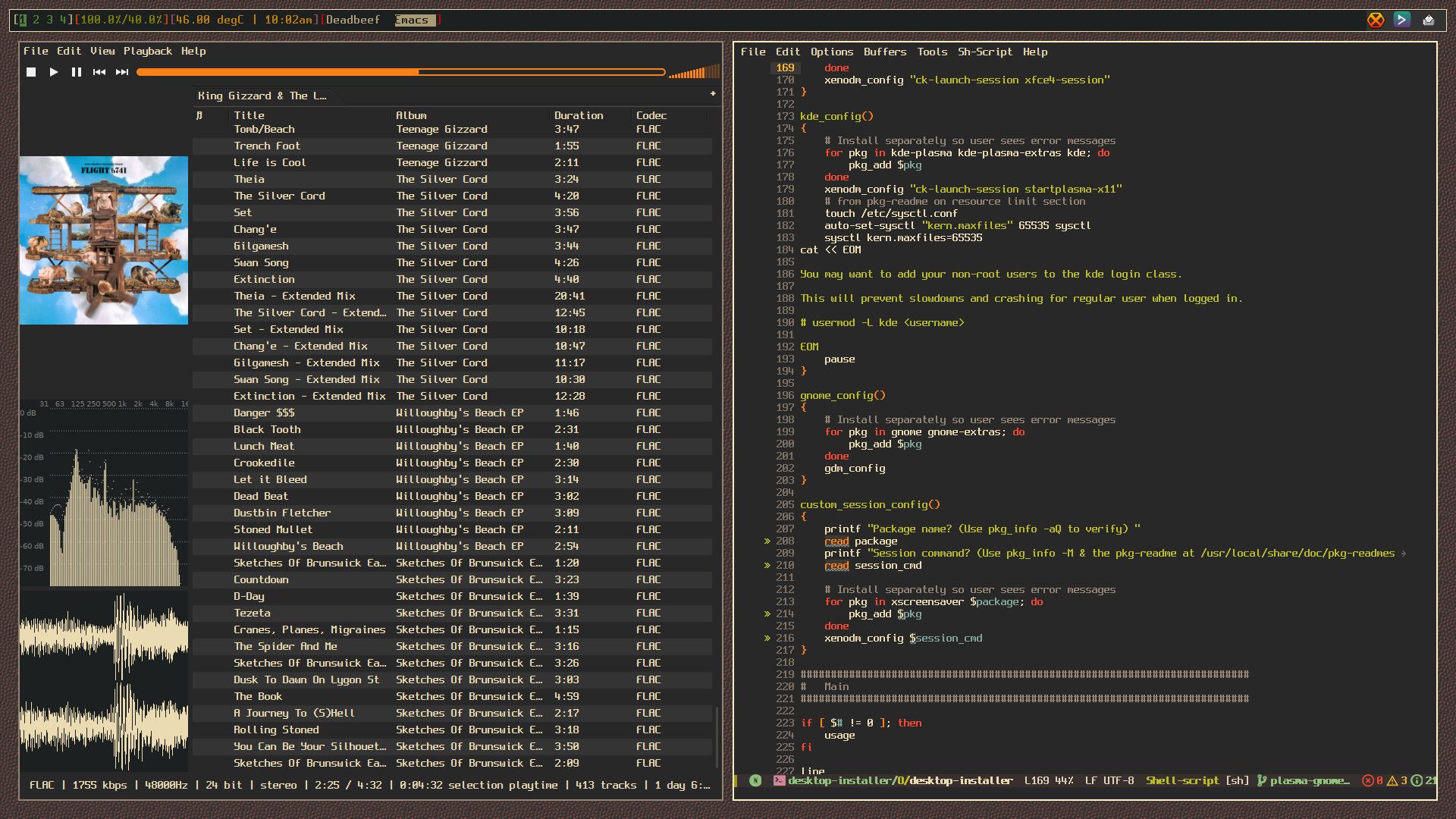
Here's another screenshot. I recently rebuilt the King Gizzard portion of my music library as I had a few duplicates. shown on the left is deadbeef with a playlist open with King Gizzard's discography, and on the right it emacs editing the OpenBSD port of the well-known desktop-installer script originally for FreeBSD I have been working on cleaning up lately.
-
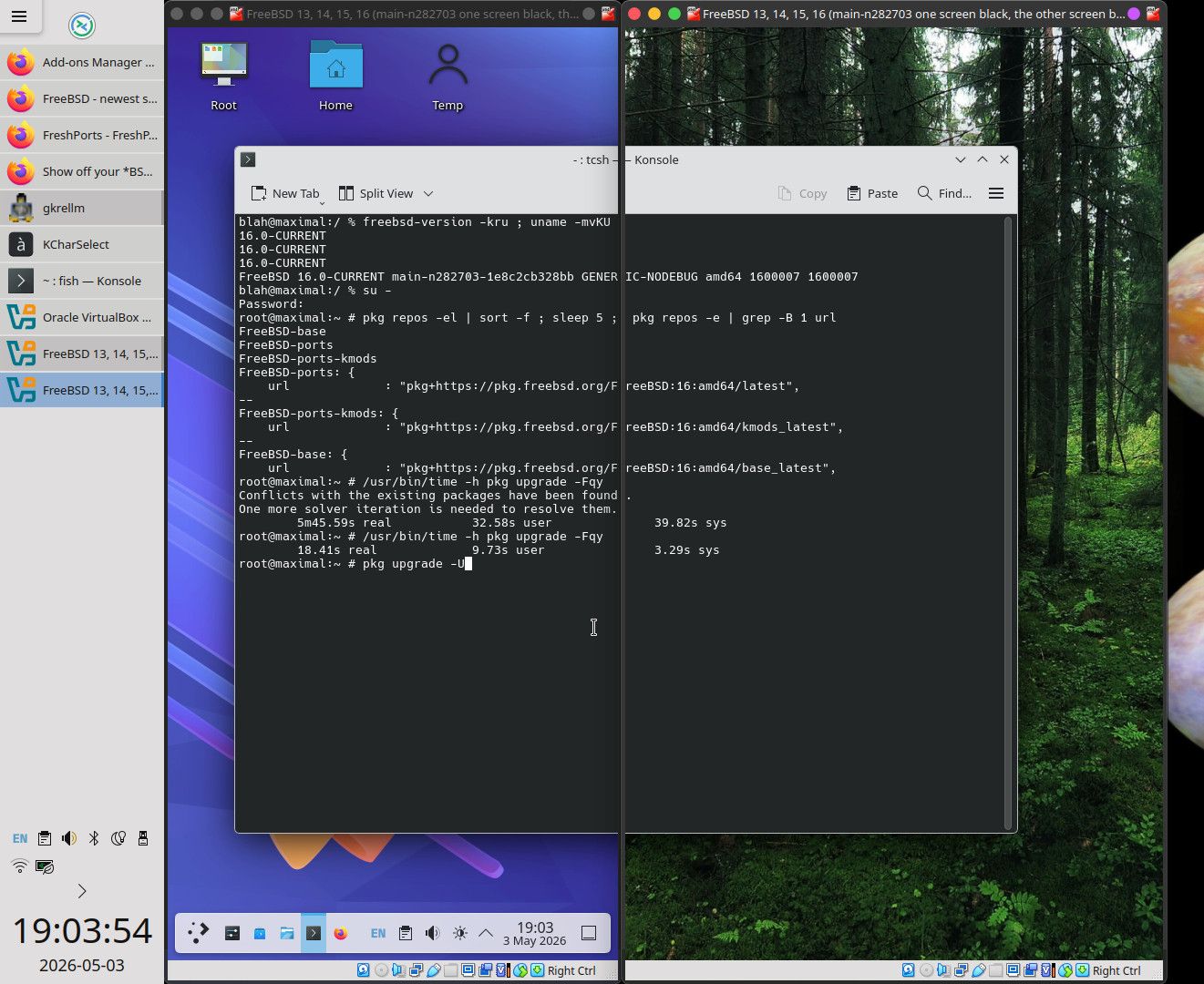
A little stupidity (nothing special), just FreeBSD with KDE Plasma in VirtualBox with two virtual displays:
-
SDDM with X11Libre:
Sorry. I couldn't resist the urge to replace x11/xorg with x11/xlibre, in a test environment, after someone made a throwaway comment:
Wayland is very bad shit. XLibre wins




Hello! It looks like you're interested in this conversation, but you don't have an account yet.
Getting fed up of having to scroll through the same posts each visit? When you register for an account, you'll always come back to exactly where you were before, and choose to be notified of new replies (either via email, or push notification). You'll also be able to save bookmarks and upvote posts to show your appreciation to other community members.
With your input, this post could be even better 💗
Register Login